


|
||||||
| Scion FR-S / Toyota 86 GT86 General Forum The place to start for the Scion FR-S / Toyota 86 | GT86 |
 |
|
|
Thread Tools | Search this Thread |
 07-14-2017, 02:29 AM
|
#1 |
|
Junior Member
Join Date: Apr 2016
Drives: toyota camry
Location: Tukwila,WA.USA
Posts: 9
Thanks: 0
Thanked 3 Times in 2 Posts
Mentioned: 0 Post(s)
|
Toyota Teachstream 10.30.029 download and Installation Guide
This is TOYOTA TIS Techstream 10.30.029 update and installation guide.
Toyota TIS Techstream 10.30.029 software download Operating system requirement: XP or “XP Mode” in Windows 7 (except win 7 home) A part of users use VMware and XP Professional. Languages available: Chinese, English,French, German, Italy, Japanese, Spanish Techstream tools: Step 1- install Toyota Teachstream Open “Toyota Techstream 10.30.029.exe” 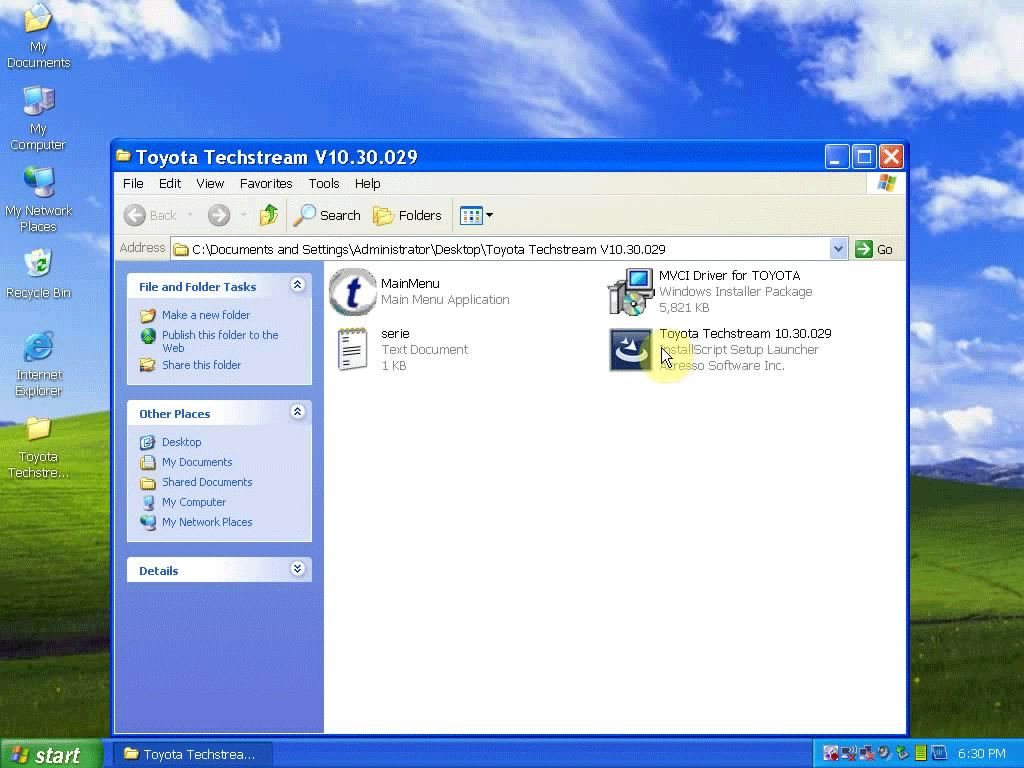 Select a steup language to go on 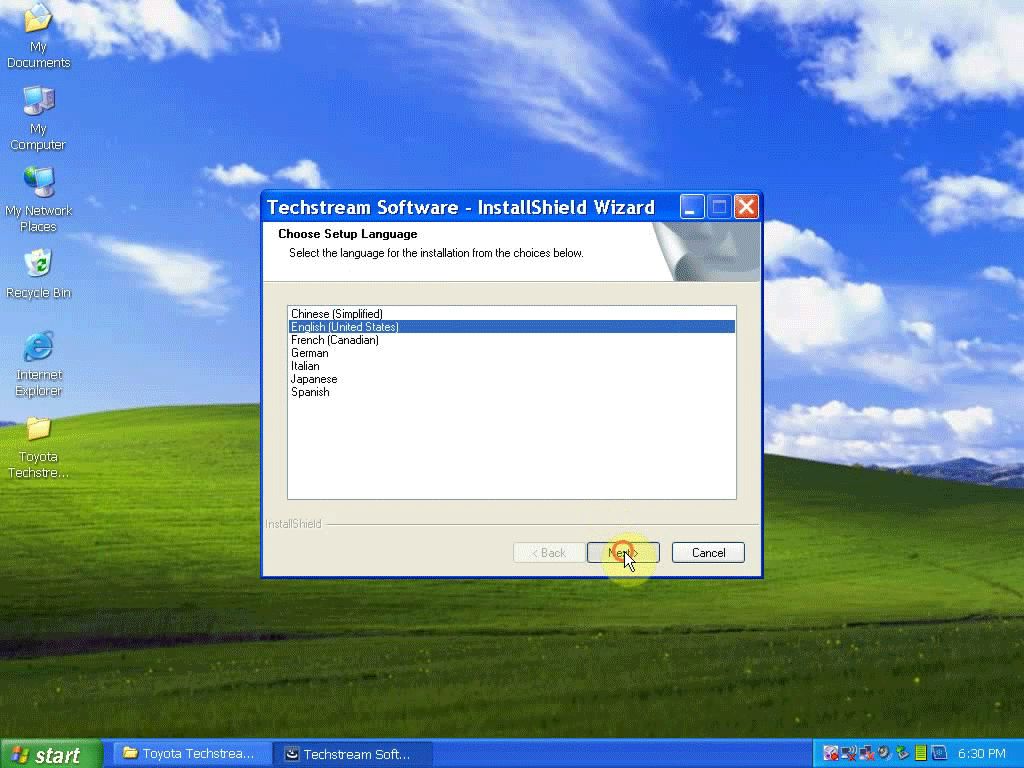 Click Next Accept the agreement to go on Customer information: click Next Click Install to begin installation of Techstream 10.30.029 Finish installing Techstream Step 2- install MVCI driver for TIS Open “MVCI Driver for Toyota” Click Next 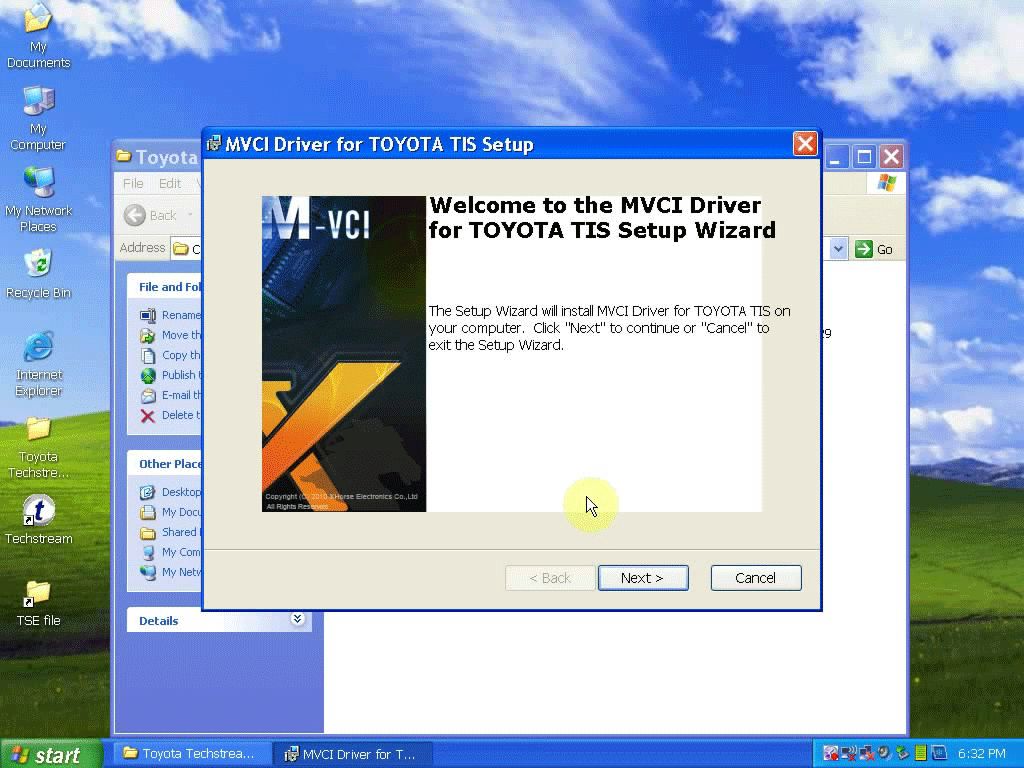 Click Install to begin installation of the MVCI driver for TIS Finish installing MVCI driver for TIS Step 3- paste and replace Main Menu Copy “MainMenu” application Open Techstream Properties Click Find Target Paste “MainMenu” application in C:/program files/toyota diagnostics/techstream/bin, confirm file replace Close bin folder and Techstream Properties Connect the device (new Mini VCI, mini VCI for Toyota 22 pin, MVCI,Mangoose techstream, VXDIAG NANO) to the vehicle and then install the driver Open “Techstream” on Desktop Click No Select Setup->Techstream configuration  Select an area (here: Europe), click Next Select a language (here: English), click Next Techstream configuration, click OK 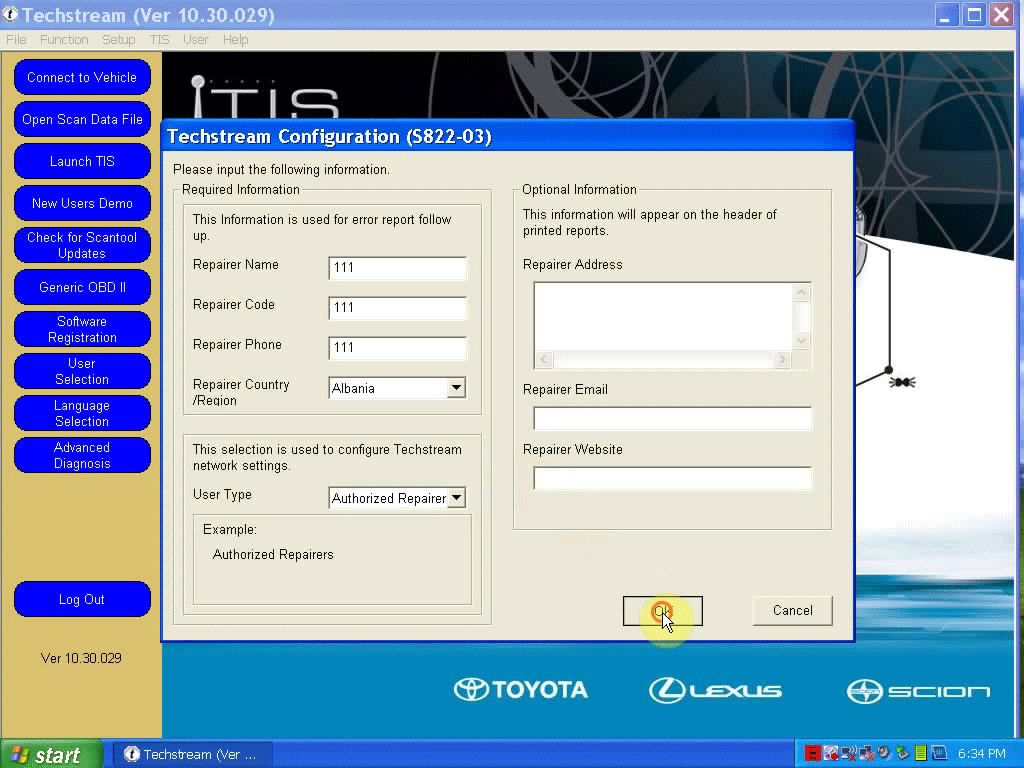 open Desktop folder “Toyota Techstream”->notepad “serie” Copy the key Click Connect to vehicle in Techstream interface Paste as the New Key when register Techstream software, click OK  Finish Option (here: VIOS, China & 1205-), click Next  Select Engine and ETC to continue  Trouble codes display  Select Data list on the left menu (Lost communication with vehicle: click Retry)  Click Close->Main Menu->Log out (Techstream) 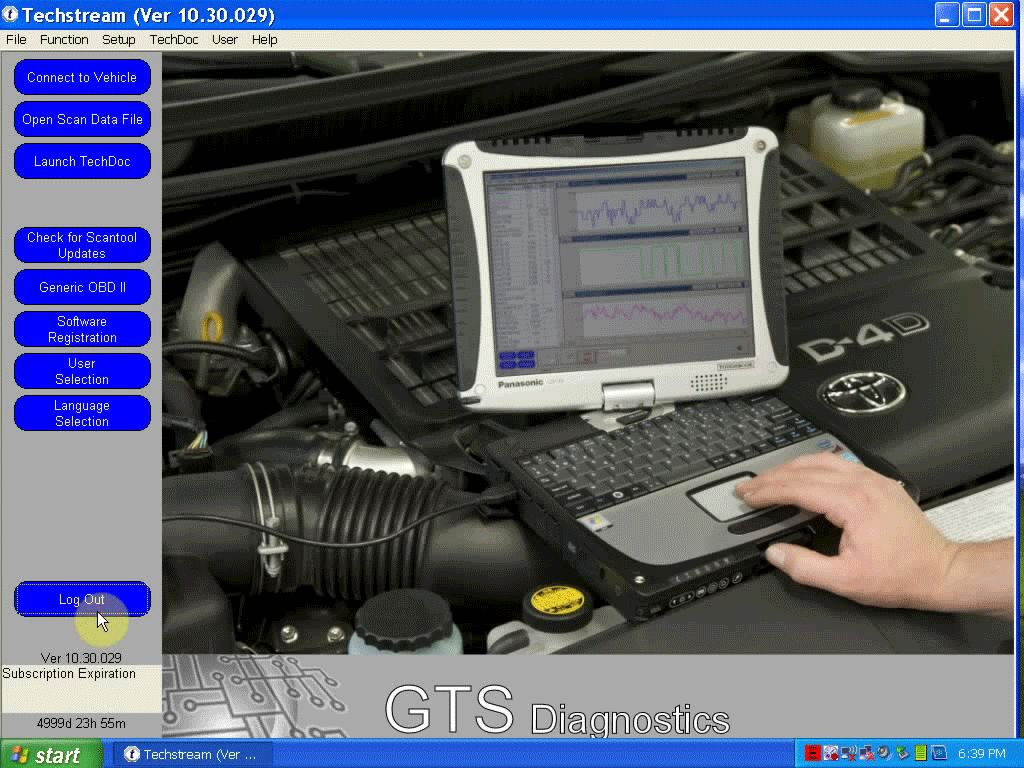
|

|

|
|
12-01-2017, 08:16 PM
|
#2 |
|
Junior Member
Join Date: Apr 2016
Drives: toyota camry
Location: Tukwila,WA.USA
Posts: 9
Thanks: 0
Thanked 3 Times in 2 Posts
Mentioned: 0 Post(s)
|
This article also available to download software and installation guide.
Toyota TIS Techstream V12.20.024 Software Free Download |
|
|
|
| The Following User Says Thank You to Chasen For This Useful Post: | BRZyJ (12-01-2017) |
|
04-01-2019, 03:53 AM
|
#3 |
|
Member
Join Date: Nov 2014
Drives: 2008 FT86 GTS
Location: California, U.S.A
Posts: 17
Thanks: 0
Thanked 11 Times in 5 Posts
Mentioned: 0 Post(s)
|
The latest version Techstream goes to V14.00.018
|
|
|
|
|
11-03-2019, 08:55 PM
|
#4 | |
|
Junior Member
Join Date: Aug 2014
Drives: Toyota 86 GTS
Location: New South Wales, Australia
Posts: 6
Thanks: 0
Thanked 0 Times in 0 Posts
Mentioned: 2 Post(s)
|
Quote:
Does anyone have an invite code they might be able to send me for MHH so I might be able to join to obtain Techstream? Many thanks, Dave |
|
|
|
|
|
11-07-2019, 03:12 AM
|
#5 | |
|
Member
Join Date: Aug 2018
Drives: Supercharged 2015 GTS86
Location: Worthing, U.K.
Posts: 16
Thanks: 4
Thanked 5 Times in 5 Posts
Mentioned: 0 Post(s)
|
Quote:
I would be very grateful for this as well  Thanks, Septic Sent from my iPhone using Tapatalk |
|
|
|
|
|
12-20-2022, 08:03 AM
|
#6 |
|
Junior Member
Join Date: Dec 2022
Drives: camry
Location: us
Posts: 2
Thanks: 0
Thanked 0 Times in 0 Posts
Mentioned: 0 Post(s)
|
any chance someone has this version floating around? could really use it. 12 works but not live monitoring.
tia |
|
|
|
|
12-20-2022, 03:15 PM
|
#7 |
|
not playing cards

Join Date: Sep 2014
Drives: a 13 e8h frs
Location: vantucky, wa
Posts: 32,392
Thanks: 53,053
Thanked 37,228 Times in 19,308 Posts
Mentioned: 1118 Post(s)
|
^^reported
__________________
|
|
|
|
| The Following 2 Users Say Thank You to Ultramaroon For This Useful Post: | weederr33 (12-20-2022), x808drifter (12-22-2022) |
|
|
|
|
|
|
|
 Similar Threads
|
||||
| Thread | Thread Starter | Forum | Replies | Last Post |
| BRZ/FR-S Coilover Installation Guide | GrimmSpeed | DIY (Do-It-Yourself) Guides | 64 | 02-21-2020 05:30 PM |
| DIY - GrimmSpeed Intake Installation Guide | GrimmSpeed | DIY (Do-It-Yourself) Guides | 60 | 09-08-2017 10:12 AM |
| eibach sportlines springs installation guide? | juanam0909 | Suspension | Chassis | Brakes -- Sponsored by 949 Racing | 2 | 10-15-2013 05:53 PM |
| DIY 6000K HID Kit Installation(Scion FR-S ONLY) - Video Guide | Alex | DIY (Do-It-Yourself) Guides | 10 | 07-09-2013 07:38 AM |


